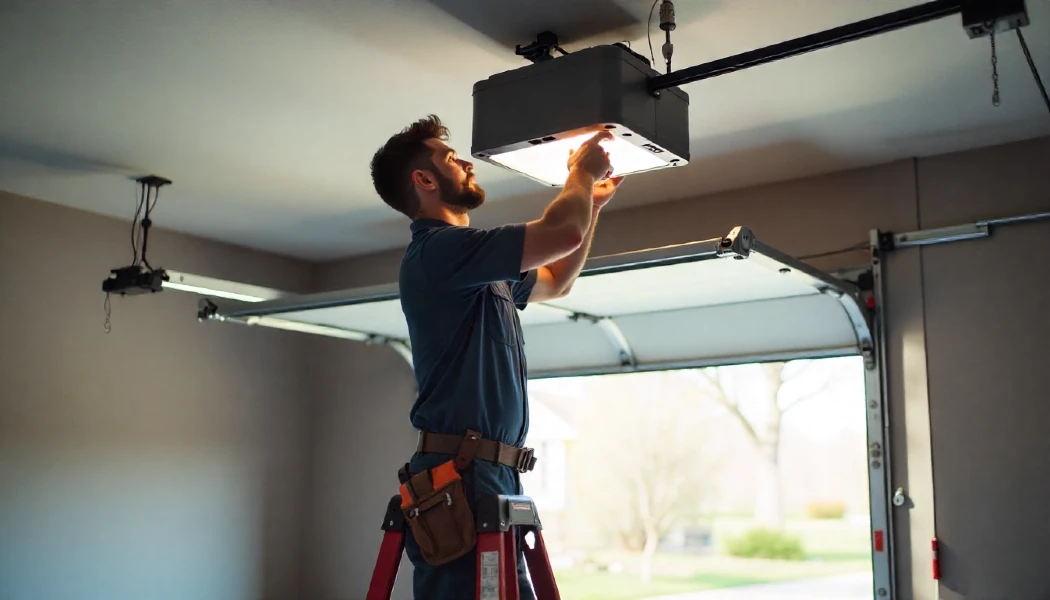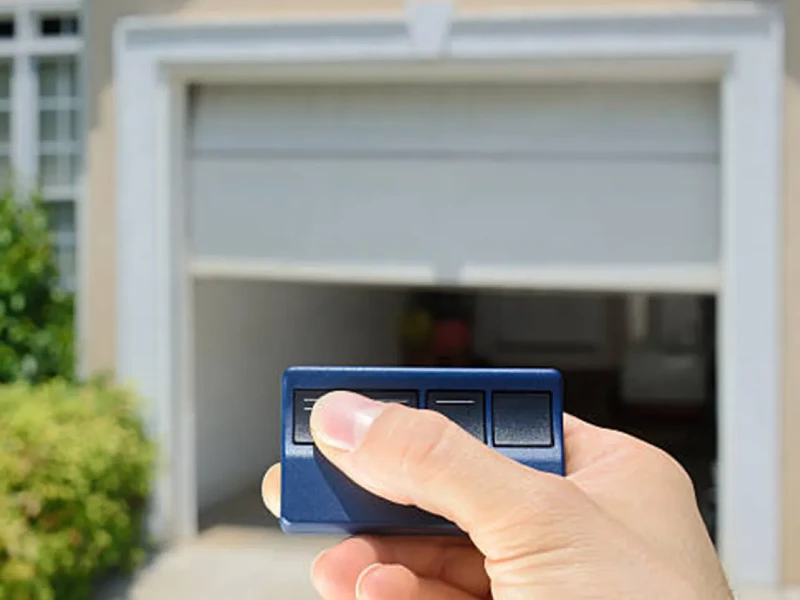

Programming your garage door opener can seem daunting, but with the right guidance, it’s a straightforward process. It is important to have the necessary components, such as the garage door opener remote, to program the garage door opener. At Jolly Goat Garage Door Repairs and Installation, we aim to provide clear and helpful instructions to make your experience as smooth as possible. Here’s a step-by-step guide to help you program garage door remotes
Understanding Your Garage Door Opener
Before diving into the programming process, it’s essential to familiarize yourself with your garage door opener’s components and their functions. Understanding how garage door openers work and how they can be installed will help you in the programming process.
Related Article: How to Reprogram LiftMaster Garage Door Opener Units
Garage Door Opener: The primary unit mounted on the ceiling of your garage.
Garage Door Remote: A handheld device that sends signals to the opener.
Control Panel: Typically mounted on the garage wall, used to operate the door from inside.
Garage Door Keypad: An external device for entering a code to open the garage.
Indicator Light: Shows the status of the opener.
Learn Button: Located on the opener, used to sync remotes and keypads.
Light Cover and Bulb: The light on the opener activates when the door is in use.
Homelink Button: Found in many vehicles, used to program the garage door opener from your car.
Step-by-Step Programming Guide

1. Preparation
Safety First: Make sure the garage door area is clear and free from obstructions. Have a ladder ready if needed to access the garage door opener.
2. Locate the Learn Button
The learn button is crucial for programming your opener. It’s usually found on the back or side of the garage door opener motor unit. The color of the button varies by model (red, yellow, green, or purple).
3. Programming the Remote
- Press the Learn Button: Press and release the Learn button on the opener. The indicator light will glow steadily.
- Press the Remote Button: Within 30 seconds, press and hold the button on your garage door remote. The opener lights will blink or click twice, indicating successful programming.
- Test the Remote: Press the remote button to check that the garage door opens and closes.
If you are programming a new remote to replace a lost one, the connection to the new remote will override the old one for security purposes.
4. Programming the Keypad
- Enter the PIN: On the keypad, enter your chosen 4-digit PIN.
- Press Enter: Press and hold the “Enter” button until the indicator light on the opener blinks.
- Test the Keypad: Enter the PIN and press “Enter” to check if the door operates correctly.
5. Programming the Homelink Button (for vehicles)
- Press and Hold Homelink Button: In your vehicle, press and hold the desired Homelink button and the button on the remote simultaneously.
- Wait for the Light: Hold until the Homelink indicator light begins to blink slowly and then rapidly.
- Press the Learn Button: Within 30 seconds, press and release the Learn button on the opener.
- Press the Homelink Button: Return to your vehicle and press the Homelink button for 2 seconds to complete the programming.
Troubleshooting Tips
Even with precise instructions, you might encounter issues. Here are some common problems and solutions:
- Remote Not Working: Make sure the remote has fresh batteries. Reprogram the remote by repeating the steps above.
- Keypad Issues: Check the keypad battery and re-enter the programming sequence.
- Homelink Troubles: Make sure that your vehicle’s system is compatible with your garage door opener. Refer to the vehicle’s manual for specific instructions.
Maintaining Your Garage Door Opener
Regular maintenance assures your garage door opener remains in good working condition:
- Check the Light Bulb: Replace it if it’s not working. Use bulbs recommended by the manufacturer.
- Clean the Control Panel. Keep it free from dust and debris.
- Inspect the Remote: Make sure buttons are functioning correctly and replace batteries as needed.
- Examine the Opener: Look for any wear and tear or loose components.
Why Choose Jolly Goat?
Established in 2013, Jolly Goat Garage Door Repairs and Installation is committed to providing the best service in town. Here’s why you should trust us with your garage door needs:
- Fully Insured, Licensed, and Bonded: Guarantee complete protection and peace of mind for our customers.
- 100% COVID-Compliant: Following all safety guidelines to protect you and our team.
- 5-Star Google Guaranteed Company: Our reputation speaks for itself with countless satisfied customers.
- Unparalleled Service: Our highly trained technicians and friendly staff are dedicated to making your experience joyful and hassle-free.
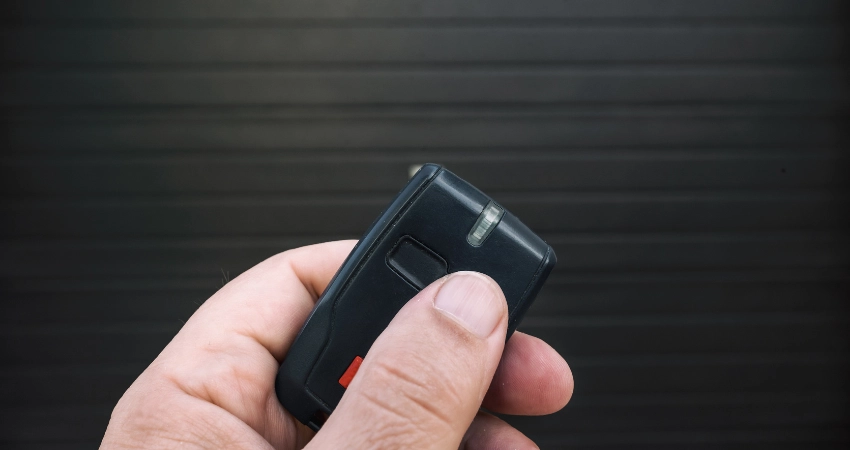
What to do when your garage door remote stops working?
First, check the batteries in your remote. If replacing the batteries doesn’t resolve the issue, try reprogramming the remote by following the steps mentioned earlier. Make sure the garage door opener and the remote are not obstructed in any way.
Want to know how to reset your garage door opener? Easy!
To reset your garage door opener, locate the ‘learn button’ on the opener unit. Press and hold the learn button until the indicator light goes off, which usually takes about 6–10 seconds. This will erase all programmed remotes and keypads, allowing you to start fresh.
Garage door opener light blinking?
Blinking lights often indicate a programming issue or that the opener is in learning mode. Follow the programming steps again to guarantee proper setup. If the issue persists, consult the user manual or contact us for assistance.
Can I program my garage door opener to my car without a remote?
Some modern vehicles with Homelink systems allow direct programming without a remote. Refer to your vehicle’s manual for specific instructions on programming the Homelink button to your garage door opener.
Improve the Range of Your Garage Door Remote
Verify that there are no obstructions between the remote and the opener. Try moving closer to the opener to see if the range improves. Additionally, check the antenna on the opener and make sure it’s fully extended and not damaged.
My garage door keypad isn’t working. What should I do?
Check the battery in the keypad and replace it if necessary. If the keypad still doesn’t work, try reprogramming it using the steps provided. If the keypad is within range of the opener and there are no obstructions.
If You Have Problems with Garage Door Openers, Contact Us

Ready to upgrade or need help with your garage door opener? Contact Jolly Goat to get your remote successfully programmed!
Your Next Steps:
- Select Service: Choose the service you need.
- Your Name: Enter your full name.
- Your Phone: Provide a contact number.
- Your Email: Share your email address.
- Your Message: Describe your issue or request.
- Send: Our team will get back to you promptly to assist with your needs.
Jolly Goat Garage Door Repairs and Installation thrives on making folks happy. From our humble beginnings in Oklahoma to becoming a nationwide name, our mission is to deliver top-quality service with a touch of fun. Whether you need garage door opener installation or other services, we’re eager to assist, listen, and share a laugh or two.
Reach out to us at sales@jollygoatgaragedoors.com today, and let us make your garage door worries a thing of the past or visit our Garage Door Opener Information Center for more.