
Programming your garage door opener can seem daunting, but with the right guidance, it’s a straightforward process. New house, new remote, or a keypad you’d like to add? Most openers follow the same basic steps. At Jolly Goat Garage Doors, we aim to provide clear and helpful instructions to make your experience as smooth as possible. Here’s a step-by-step guide to programming remotes, keypads, and your car’s built-in buttons, plus how to erase a lost remote and fix the most common problems.
In this guide:
Know Your Garage Door Opener
Before diving into the programming process, it’s essential to familiarize yourself with your garage door opener’s components and their functions. Knowing which part does what makes every step below easier.
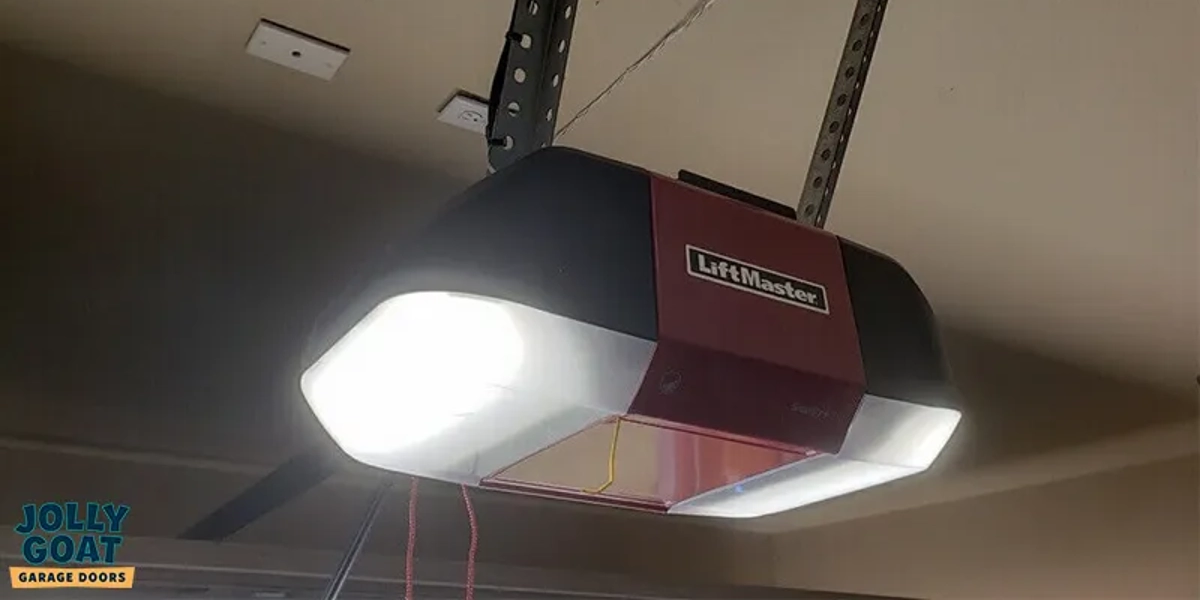
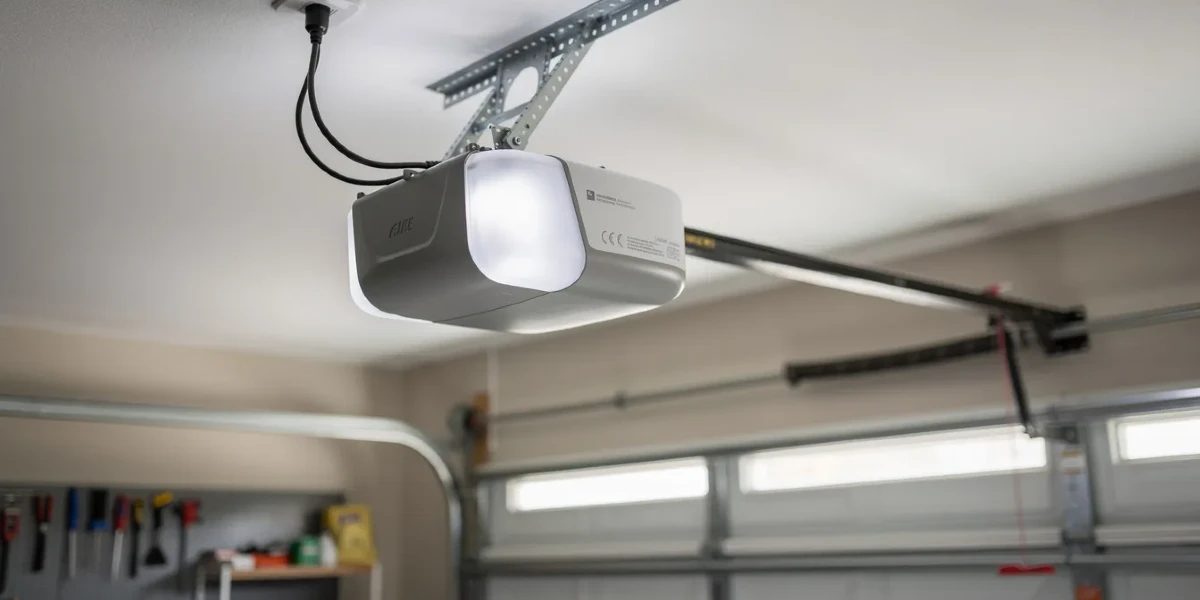
- Garage Door Opener: the primary unit mounted on the ceiling of your garage.
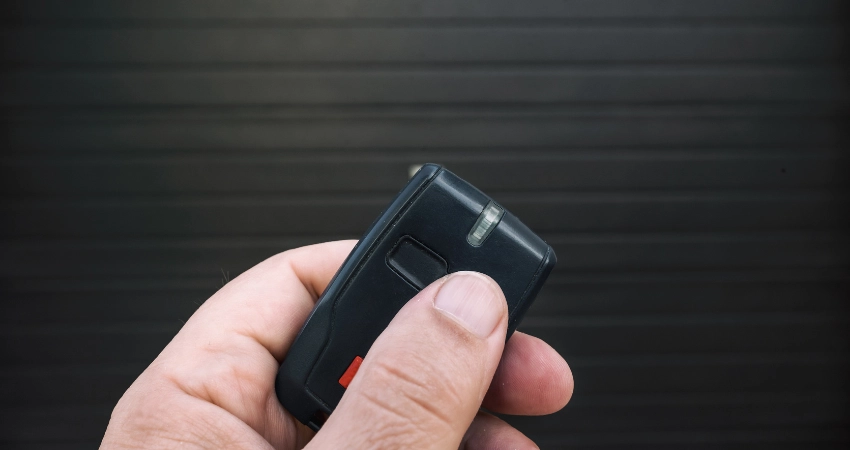
- Garage Door Remote: a handheld device that sends signals to the opener.
- Control Panel: typically mounted on the garage wall, used to operate the door from inside.
- Garage Door Keypad: an external device mounted outside the garage for entering a code to open the door.
- Indicator Light: shows the status of the opener.
- Learn Button: located on the opener, used to sync remotes and keypads.
- Light Cover and Bulb: the light on the opener turns on when the door is in use.
- HomeLink Button: found in many vehicles, used to operate the garage door opener from your car.

Find Your Learn Button
The Learn button is crucial for programming your opener. It’s usually found on the back or side of the garage door opener motor unit, often near the antenna wire or under the light cover. The color of the button varies by model. On newer models, you can also start programming from the wall control panel.
On LiftMaster, Chamberlain, and Craftsman openers, the color of the Learn button tells you which technology your opener uses. That matters, because it decides which remotes and keypads will work with it:
| Learn button color | Technology | Approximate years |
|---|---|---|
| Yellow | Security+ 2.0 | 2011 to today |
| Purple | Security+ (315 MHz) | 2005 to 2014 |
| Red or orange | Security+ (390 MHz) | 1997 to 2005 |
| Green | Billion Code (390 MHz) | 1993 to 1996 |
| No Learn button, small switches instead | Dip-switch opener | Before 1993 |
If you’re buying a replacement or universal remote, check that it’s compatible with your Learn button color before you buy.
Genie and Overhead Door openers don’t use this color system. Look for a Learn, Program, or Set button on the motor unit, or check the label on the opener for the model number.
Before You Start
Safety first: make sure the garage door area is clear and free from obstructions. Have a sturdy ladder ready if needed to access the garage door opener, and keep the door in view while you test it.
Related Article: LiftMaster Opener Troubleshooting Guide: Codes, Remotes, Batteries and HomeLink
How to Program a Garage Door Remote
This process works for most garage door openers with a Learn button, including LiftMaster, Chamberlain, Craftsman, and Genie models. If your opener has small dip switches instead of a Learn button, skip to the dip-switch section below.
- Press the Learn Button: climb up to your garage door opener and press and release the Learn button. The indicator light will glow steadily. You now have about 30 seconds to complete the next step.
- Press the Remote Button: press and hold the button on your garage door remote that you want to use. The opener lights will blink or you’ll hear two clicks, indicating successful programming.
- Test the Remote: press the remote button to check that the garage door opens and closes.
Repeat these steps for each additional remote. Most openers can store up to 6 remotes.
Programming a Dip-Switch Opener (Pre-1993 Models)
Older openers don’t have a Learn button. Instead, they use a row of small switches (called dip switches) inside both the opener and the remote. To program the remote:
- Open the remote’s battery cover to find the row of dip switches inside.
- Match the switches. Set each switch on the remote to the same up/down pattern as the switches on the opener unit.
- Test the remote. Press the button and confirm the door moves.
Security note: dip-switch openers use a fixed code, which means anyone with a compatible remote set to the same pattern can open your door. If your opener still uses dip switches, consider upgrading to a modern rolling-code opener for better security.
Programming a Universal Remote
Universal remotes (like the Chamberlain KLIK5U or Genie GIRUD-1T) work with most brands. The steps vary by model, but the general process is:
- Press and hold two buttons on the universal remote until the indicator LED lights up. This puts the remote into programming mode.
- Press the Learn button on the opener.
- Press the button on the universal remote you want to use. Wait for the opener light to blink or click.
- Test.
Always check the instructions that came with the universal remote, because the exact button combination differs between models.
How to Program a Garage Door Keypad
- Press the Learn Button: climb up to the opener and press and release the Learn button. The indicator light will glow, and you’ll have about 30 seconds to complete the next steps.
- Enter Your PIN: go to the keypad and enter your chosen 4-digit PIN.
- Press Enter: press and hold the “Enter” button until the indicator light on the opener blinks. This confirms the PIN has been saved.
- Test the Keypad: enter the PIN and press “Enter” to check that the door operates correctly.
Choose a PIN that’s easy for your family to remember but hard for others to guess. Avoid obvious codes like 1234 or your house number.
Changing Your Keypad PIN
To set a new PIN, simply repeat the steps above. The new code will replace the old one. If you want to erase all codes and start fresh, see How to Erase Old Remotes and Codes below.
How to Erase Old Remotes and Codes
This is the step most people miss, and it’s important for security. If you’ve moved into a new house, lost a remote, or want to start fresh, you should erase all programmed devices from the opener’s memory before reprogramming.
Important: programming a new remote does not automatically erase the old one. The old remote will keep working until you manually erase the opener’s memory. If you’ve lost a remote or moved into a new home, always erase first.
- Locate the Learn button on the opener unit.
- Press and hold the Learn button for about 6 to 10 seconds, until the indicator light goes off.
- That’s it. All previously programmed remotes, keypads, and car buttons have been erased.
Now reprogram only the devices you want to use, following the steps in the sections above.
How to Program Your Car’s Built-In Garage Button
Many vehicles have a built-in system (usually called HomeLink or Car2U) that lets you open the garage door from a button on your visor or mirror. Programming it is a two-part process: first you train the car button with your remote, then you sync it with the opener.

Part 1: Train the Car Button
- Get your working remote. You’ll need it for this step.
- Press and hold the HomeLink button you want to use (on your visor or mirror) and the button on your remote at the same time.
- Wait for the light. Hold both buttons until the HomeLink indicator light changes from a slow blink to a rapid blink. This usually takes 10 to 30 seconds.
- Release both buttons.
Part 2: Sync with the Opener
- Go to the opener and press and release the Learn button. You have 30 seconds.
- Return to your vehicle and press the HomeLink button you just trained. Press and hold it for 2 to 3 seconds.
- Test. Press the HomeLink button to confirm the door moves.
If the light blinks but the door doesn’t move after Part 1, your opener likely uses rolling-code technology (most openers made after 1996). That’s normal. Part 2 is the step that completes the connection.
Can I program my car without a remote? Some newer vehicles with HomeLink 5.0 allow direct programming without a remote. Check your vehicle’s manual for instructions specific to your car.
For LiftMaster-specific car programming, see How to Sync a LiftMaster Opener With Your Car.
Smart Openers and the MyQ App
If your opener is Wi-Fi enabled (most LiftMaster and Chamberlain openers made since 2018), you can also control it from your phone using the myQ app. This doesn’t replace your remote or keypad. It adds another way to open, close, and monitor your door from anywhere.
To set it up:
- Download the myQ app (free on iOS and Android).
- Create an account and follow the in-app instructions to connect the opener to your Wi-Fi network.
- Add your opener by entering the serial number from the label on the unit, or by scanning the QR code.
Once connected, you can open and close the door, check whether it’s open, set schedules, and get alerts when the door moves. The myQ app also works with some smart home systems like Google Home and Amazon Key.
If your opener isn’t Wi-Fi enabled but you’d like smart features, the myQ Smart Garage Hub is an add-on that works with most openers made after 1993. Ask us about it.
For more, see Smart Garage Door Openers: The Future of Convenience and Security.
Troubleshooting: Common Programming Problems
Even with precise instructions, you might encounter issues. Here are the most common problems and what to do about them.
Remote not working after programming
- Make sure the remote has fresh batteries.
- Stand within 20 feet of the opener with a clear line of sight.
- Check that the antenna wire hanging from the opener is fully extended and not damaged.
- Reprogram the remote by repeating the steps in How to Program a Garage Door Remote.
Keypad not responding
- Replace the keypad battery (usually a 9V or CR2032, depending on the model).
- Make sure you pressed the Learn button on the opener before entering the PIN. This is the most common mistake.
- Re-enter the programming sequence using the steps in How to Program a Garage Door Keypad.
- If the keypad buttons feel stiff or unresponsive, moisture or dirt may have gotten inside. Try cleaning the keypad or replacing it.
HomeLink light blinks but the door doesn’t move
- This usually means Part 1 (training) worked, but Part 2 (syncing with the opener) wasn’t completed. Go to the opener, press the Learn button, then return to the car and press the HomeLink button within 30 seconds.
- Make sure your vehicle’s system is compatible with your garage door opener. Refer to the vehicle’s manual for specific instructions.
Opener light is blinking
Blinking lights often indicate the opener is in learning mode or that there’s a programming issue. Follow the programming steps again to make sure setup completed properly. If the light keeps blinking after programming, check for obstructions in the door’s path and make sure the safety sensors are aligned. If the issue persists, consult the user manual or contact us for assistance.
Remote range is poor
- Check that the antenna wire on the opener is hanging straight down and isn’t coiled or pinched.
- Replace the remote battery, even if it seems fine. A weak battery reduces range before it dies completely.
- LED light bulbs in the opener can interfere with the remote signal. Try switching to a bulb rated for garage door openers, or temporarily remove the bulb to test.
- Move closer to the opener. If the remote works at 5 feet but not 20, the issue is likely the antenna or interference.
Keypad stopped working over time
If you’ve replaced the battery and reprogrammed the keypad but it still won’t work, the keypad itself may be worn out. Keypads mounted outside are exposed to Oklahoma’s heat, cold, and rain, and the buttons or circuit board can fail over time. A replacement keypad is usually the quickest fix.
Need Help? Call Jolly Goat
If you’ve tried the steps above and your opener still isn’t cooperating, we’re here to help. Some problems, like a failing logic board, a fried antenna, or an opener that’s lost its mind entirely, need hands-on diagnosis.
Established in 2013, Jolly Goat Garage Doors is committed to providing the best service in town. We’re fully insured, licensed, and bonded, and we’re a 5-Star Google Guaranteed company. Our highly trained technicians are dedicated to making your experience joyful and hassle-free.
- Garage Door Opener Installation — need a new opener entirely? We’ll help you choose the right one.
- Garage Door Opener Replacement — upgrading from an old model to a modern, smart-enabled opener.
- LiftMaster Troubleshooting Guide — for LiftMaster-specific issues with codes, remotes, batteries, and HomeLink.
Reach out to us at sales@jollygoatgaragedoors.com today, and let us make your garage door worries a thing of the past, or visit our Garage Door Opener Information Center for more.