
Need to get your LiftMaster garage door opener back on track? Fear not—Jolly Goat Garage Doors is ready to help you out! When you reprogram LiftMaster garage door opener units, you can easily fix issues with your garage door opener, including a faulty remote control and an unresponsive keypad. We’ve put together a few simple steps that will have your LiftMaster opener functioning correctly in a jiffy!
Related Article: Is There a Way to Disable the Garage Door Sensors on a LiftMaster Opener?
Let’s start!
The LiftMaster Garage Door Opener
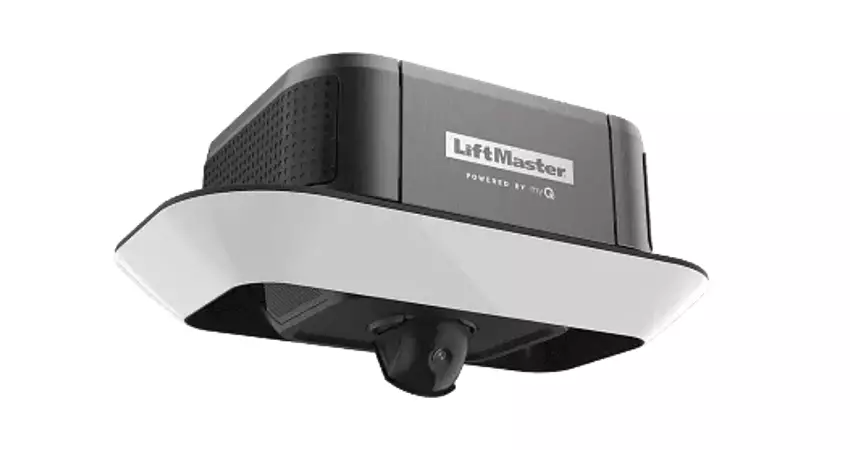
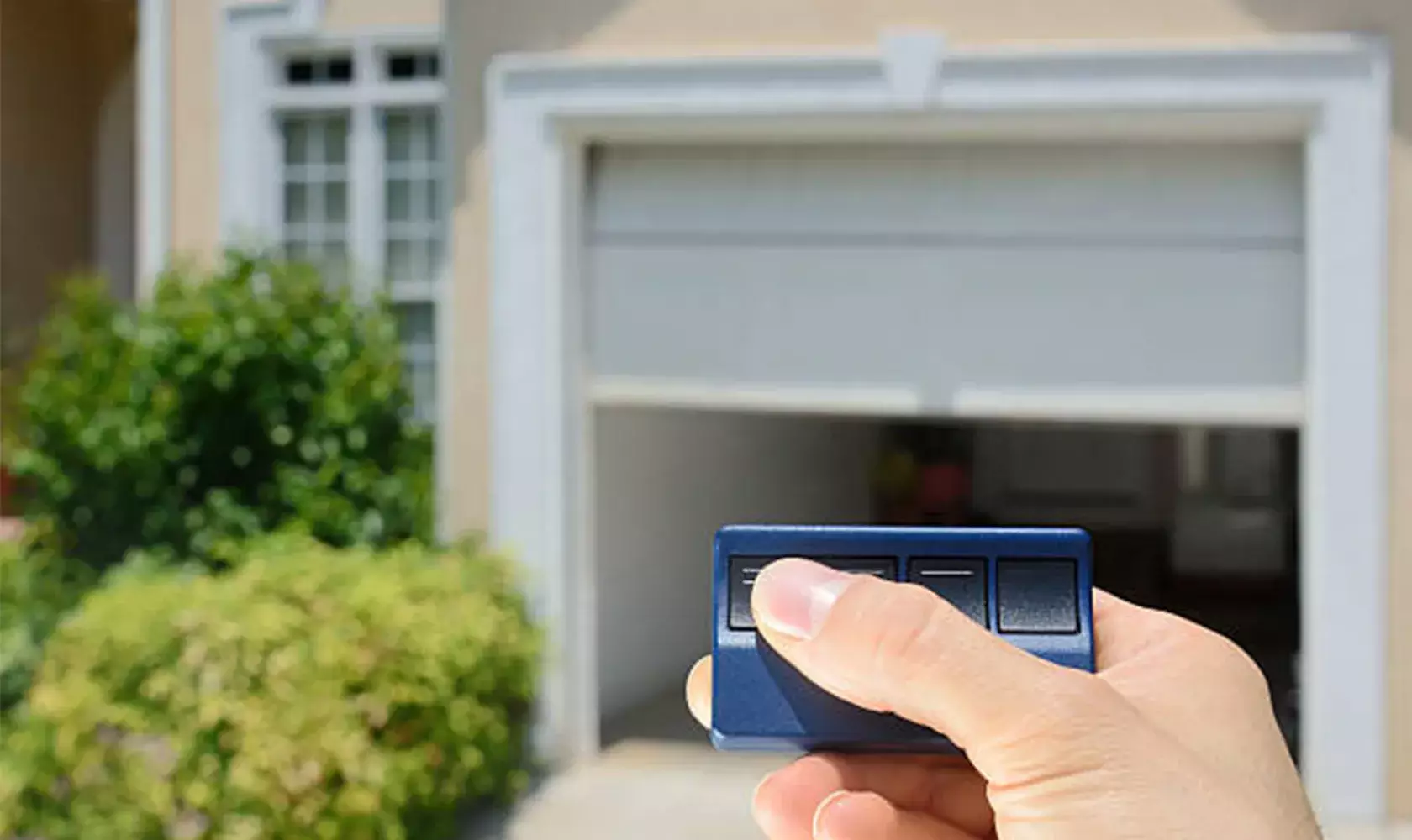
LiftMaster garage door openers are designed to conveniently operate garage doors. With the push of a button using a garage door opener remote, wall control keypad (MyQ control panel), application, or a built-in car system (HomeLink system), homeowners can easily and safely open or close their garage doors.
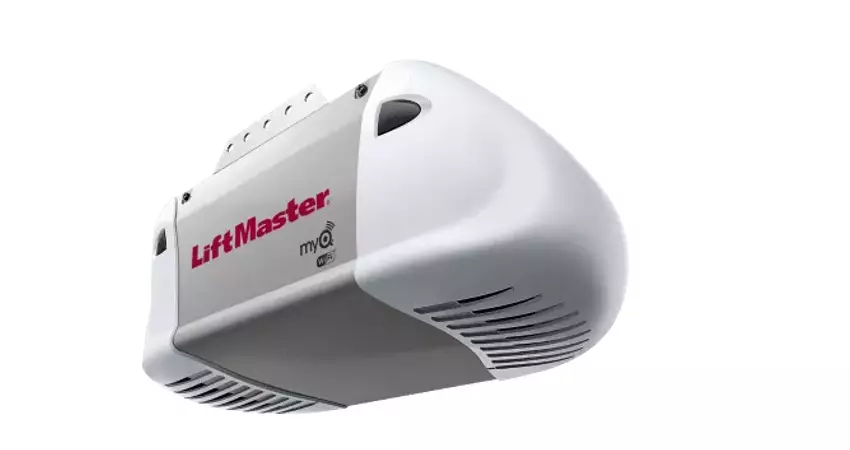
Aside from that, LiftMaster openers have features like safety sensors that can prevent accidental collisions, Wi-Fi connectivity, battery backup (to allow you to operate your garage doors during a power outage), and plenty of customization options.
Why Reprogram Your LiftMaster Garage Door Opener?
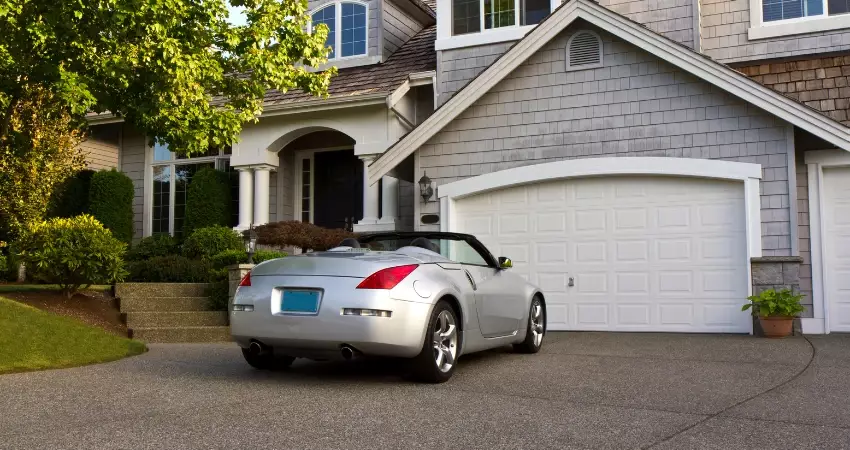
To enhance your home security and garage door functionality, it’s important to reprogram your garage door opener when needed. This is especially beneficial if your opener isn’t working properly or if you want to upgrade your home security. Additionally, this helps if your old remote control got stolen and you’re adding a new remote control or keypad to sync with the device or if you’re moving into a new house.
Here’s a more detailed explanation of some of the scenarios when it’s ideal to reprogram your LiftMaster garage door opener:
1. Your LiftMaster Garage Door Opener Is Malfunctioning
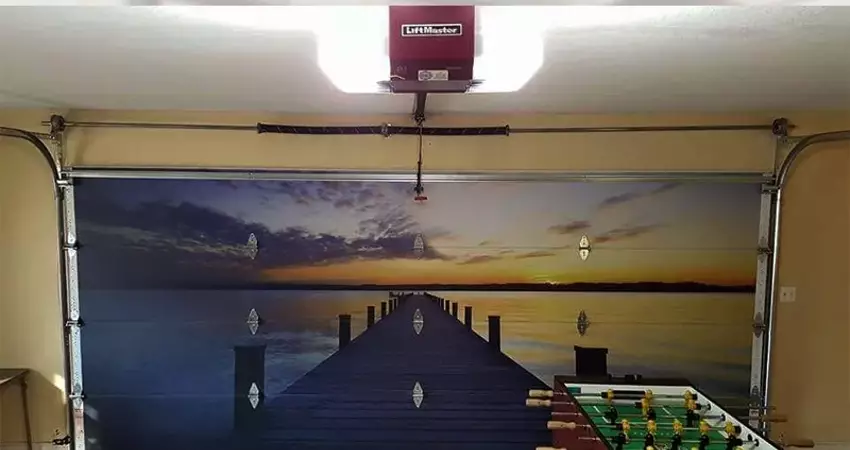
There may be times when overhead door openers refuse to function as expected. Instead of getting a new opener, reprogramming your LiftMaster opener is the simpler, more money-saving option. Sometimes, the issue is as simple as the garage door opener remote control getting out of sync with the opener unit. What’s more—you can do the reprogramming yourself without the need of a professional technician!
2. You Lost Your Remote Control
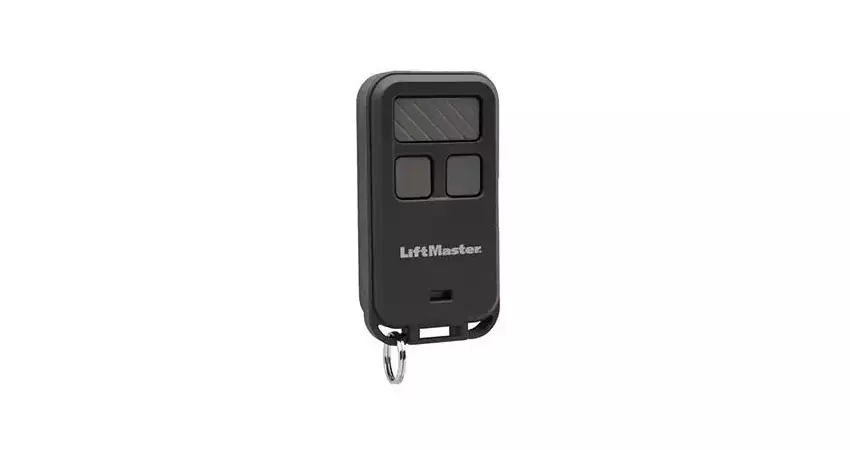
Losing or getting your garage door opener remote stolen can compromise your home’s security and your family’s safety. So, many homeowners decide to get a new remote control so only they have rightful access to their garage.
This is where you’ll have to reprogram your LiftMaster garage door opener so it can work with the replacement remote you’ve purchased. New remote controls are quite easy to sync with your existing opener, so expect to get your garage door opener ready to go in no time.
3. You Want to Upgrade Your Home Security
Even if their existing programmed remotes haven’t been stolen or misplaced, many families like to regularly reprogram their openers to refresh their home security and make sure that only they have actual access to their home’s garage. It’s a simple and proactive way to boost the security of your garage and, by extension, your home.
4. You Moved Into a New House
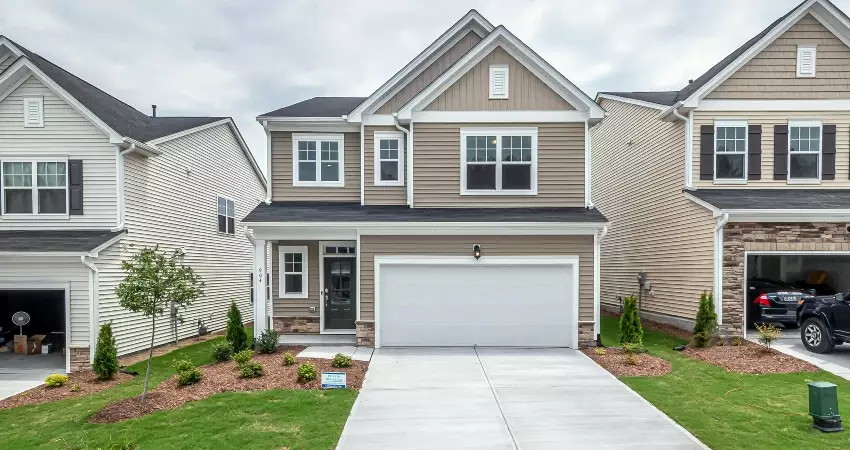
Let’s say you move into a new house and the old tenants or owners left behind a garage door opener unit. If you decide to use this unit, but with a different garage door remote, you’re going to have to reprogram that garage door opener. This is to make sure that only you and your family have access to your garage, and that the old tenants or owners won’t be able to operate the garage door anymore.
A Step-by-Step Guide to Reprogramming LiftMaster Garage Door Openers
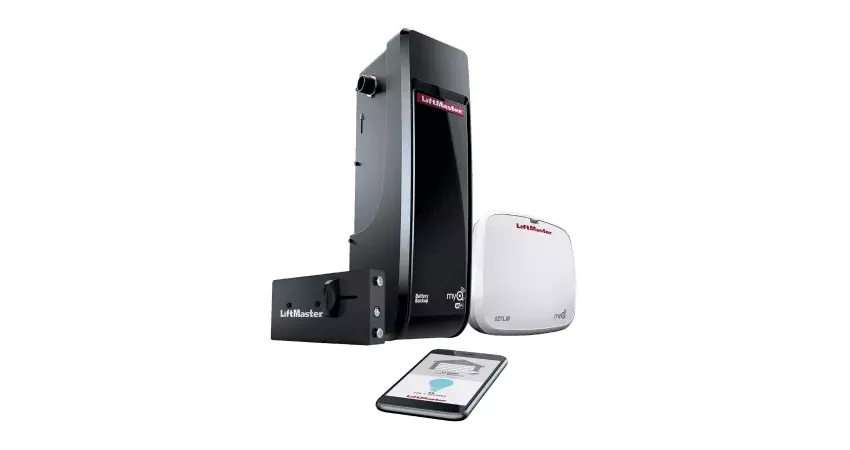
Let’s get into the details! Whether you’ve got a new garage door opener in need of programming or you need to program your LiftMaster garage opener to sync it with a new garage door remote or control panel, we hope this simple step-by-step guide will be of some value to you.
Note: We’re providing you with a general guide to help you reprogram your LiftMaster garage door openers, but we highly recommend that you also consult the opener unit’s owner’s manual to make sure you’re taking the right steps for your specific unit.
1. Find the Reset Button (“Learn” Button) for Your Specific LiftMaster Garage Door Opener Model
There are quite a few LiftMaster models, and they might slightly differ from each other. However, generally speaking, your LiftMaster model likely has the reset button on the motor unit. This button, called the “Learn” button, is usually a circular or square-ish button colored red, yellow, orange, or purple. Typically, this button is the same color as the unit’s antenna wire. It also usually sits next to a small LED indicator light that tells you when the unit is in programming mode.
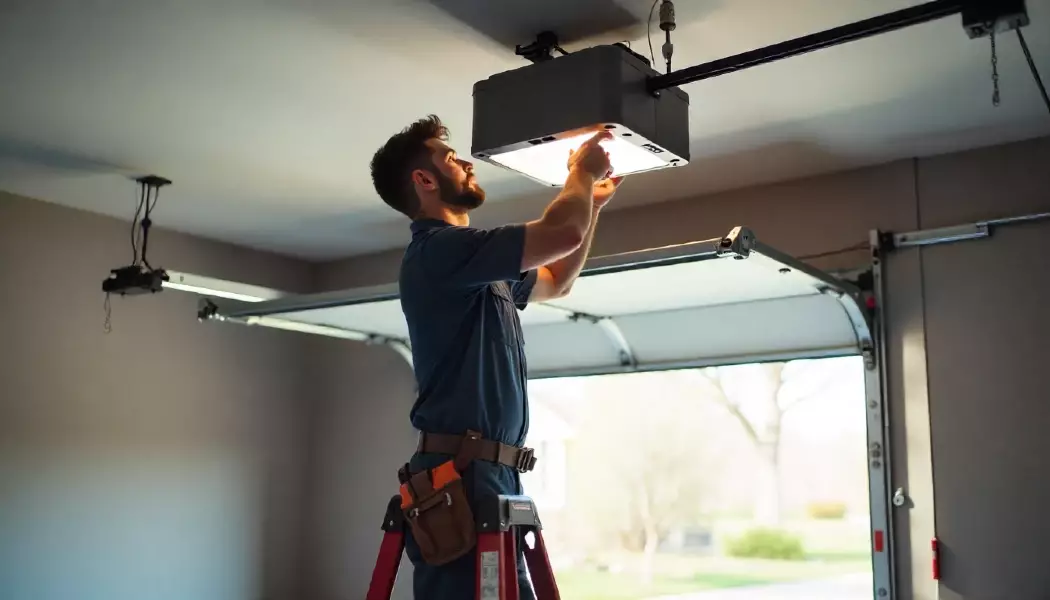
Since the opener is the box mounted near the ceiling of your garage, you’ll probably need a ladder to find and press the button. Make sure you’re using a sturdy ladder and that it’s standing on a flat, steady surface to avoid accidents.
2. Press the “Learn” Button to Clear Old Codes
To begin the programming process, you have to press and hold the “Learn” button. Long-press and release—you usually have to press for about six seconds—when the garage door opener lights (the indicator light bulb) die. The LED lights going off let you know that the old codes have been successfully cleared, meaning you’ve removed the old remotes from the opener’s memory.
To confirm this, you can try pressing the old remote control’s buttons and see whether or not the opener responds to it. If it doesn’t respond anymore, it means you’ve successfully erased the prior existing codes. But if the opener still responds to the old remote, you’ll have to repeat the same steps until you’ve got it right. Once everything’s set, the opener will be ready to pair or sync with a new garage door remote.
3. Program Your Remote Control
It’s now time to enter programming mode so you can sync your opener with your LiftMaster remote. To do this, you’ll have to press and release the “Learn” button again until the indicator LED light starts to flash to get it into programming mode. Then, press the button on the remote within 30 seconds of pressing the “Learn” button. The opener lights will flash to tell you that the syncing was successful.
4. Program Your Keypad
Now, for the keypad, you’ll also have to press and release the “Learn” button once more. Generally speaking, you’re expected to type in your chosen PIN on the keypad and then press the “Enter” button. The LED light will flash to inform you of successful programming.
5. Sync Your Opener with Your Car’s HomeLink system or the MyQ Application
To sync your garage door opener with your HomeLink system, start by pressing (you guessed it) the “Learn” button. Enter your car and then press and hold your desired HomeLink button. You’ll know you have a successfully programmed button when your car’s light blinks.
Alternatively, other methods involve resetting the HomeLink system first by pressing and holding the first and third HomeLink buttons for 15 to 20 seconds. Let go when the light starts blinking. Then, simultaneously press and hold your garage remote control button and your chosen HomeLink button.
If you want to sync your MyQ application to your opener unit, start by opening the MyQ application on your phone where you’ll find detailed instructions on how to connect the LiftMaster opener to the application.
6. Troubleshoot Any Issues with Your LiftMaster Garage Door Opener (If Any)
Once you complete programming your remote control, keypad, HomeLink system, or MyQ application, it’s time to exit programming mode. To do this, you can press the “Learn” button again, which ends the programming process and puts the unit back into its normal mode. Or, another way is to turn the garage door opener off and on again, which automatically makes it exit programming mode.
To confirm successful programming, you can start by pressing any remote control or keypad button. Press them and see if the garage door opener is responding to the commands. Now, if you encounter any problems, you can try the following troubleshooting techniques:
- Check the remote and keypad batteries and see if they need changing.
- Make sure nothing is blocking the garage door opener sensors so it can properly receive signals.
- Try clearing the existing codes and reprogramming once more.
- Read the owner’s manual for instructions and tips.
- Contact a garage door professional or LiftMaster’s customer support for assistance.
Expert Services by Jolly Goat Garage Doors
Congratulations! You now know how to program a LiftMaster garage door opener. Now, in case you find yourself in need of a LiftMaster garage door opener installation and other residential services, our jolly OKC team is only one call away!
Contact us today at (405) 367-3129 to or visit our Garage Door Opener Information Center to learn more.